
How Canium works
A short visit, from the front door to the meeting room, in plain words.
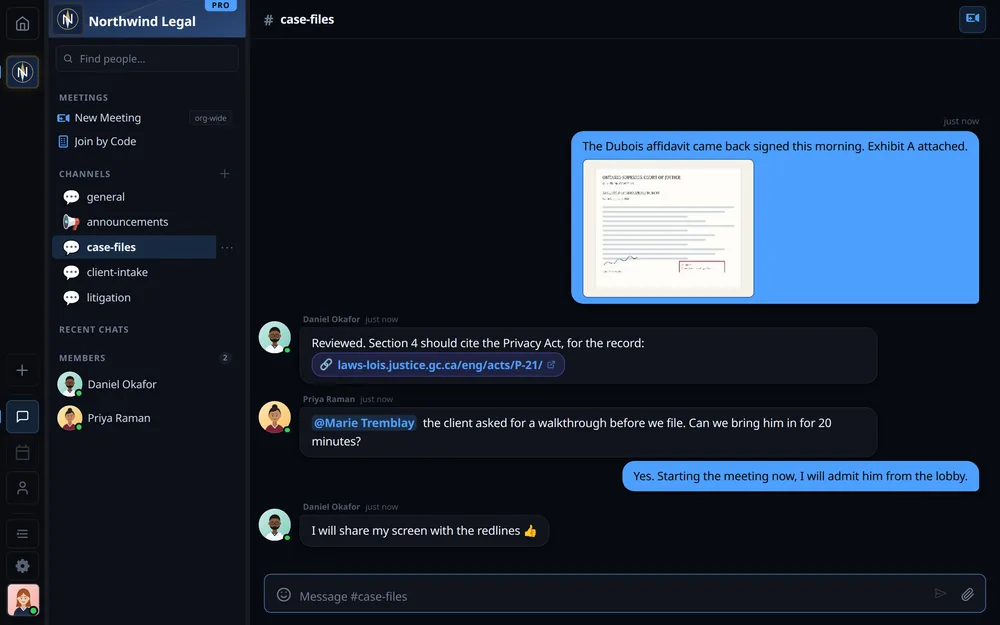
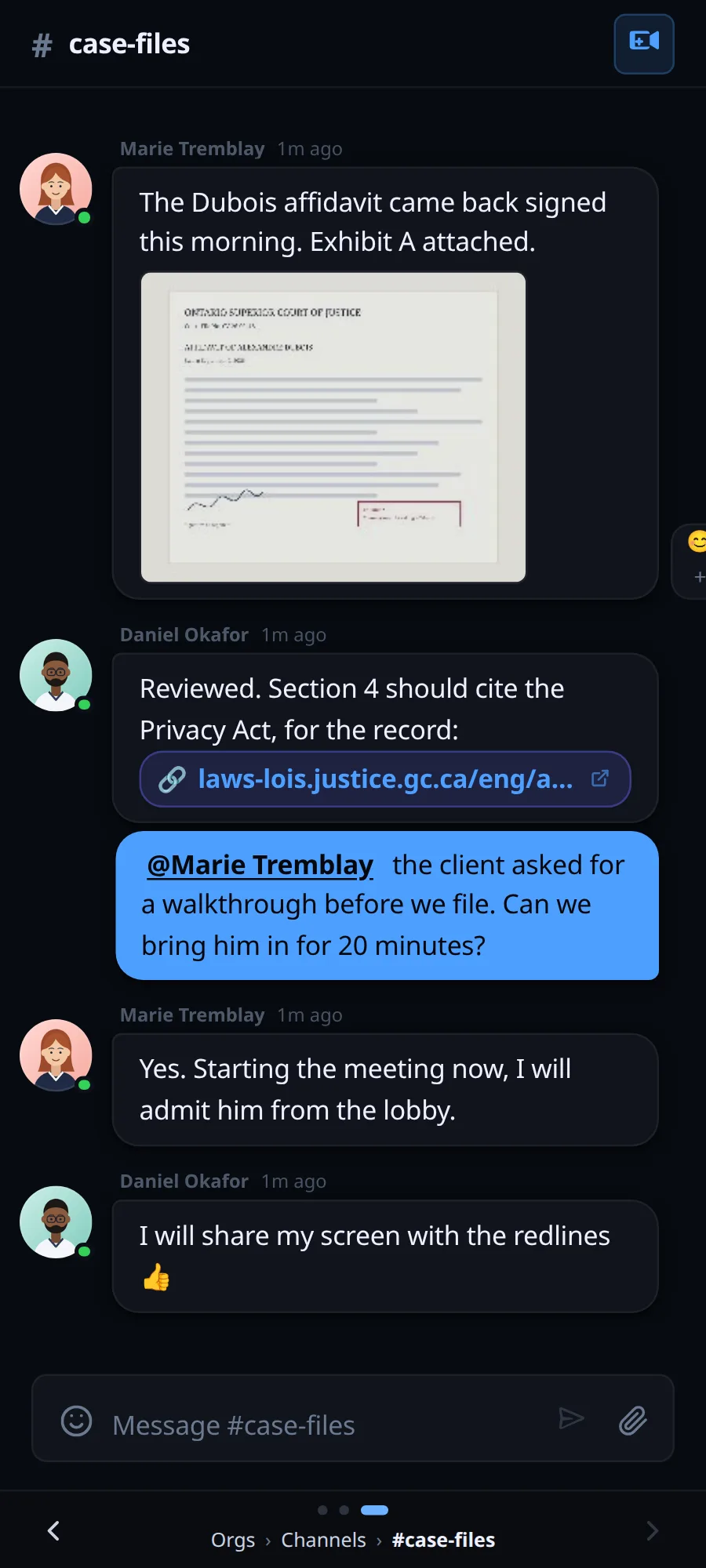
Your password stays home.
Your password is never sent to Canium. Your device and Canium run a short exchange that confirms it is you, and the password stays with you.
A good password is the best thing you can do for your own security. Make it long, and keep it for Canium alone. It is what protects your keys.
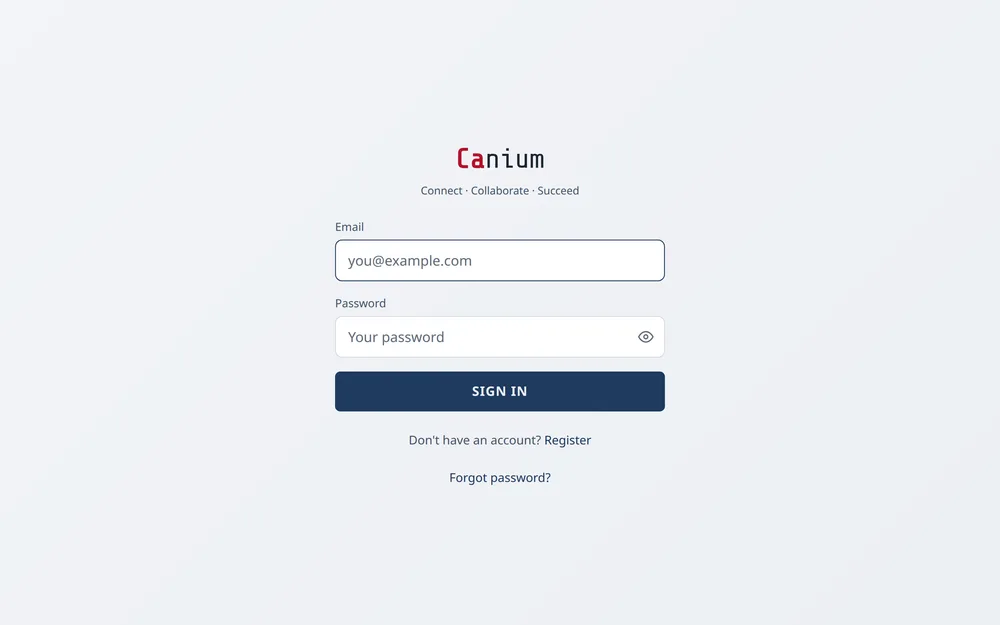
Every chat, its own room.
Each channel and each direct message is encrypted on your device before it leaves. That covers messages, files, reactions and link previews. Canium’s servers carry the encrypted version and cannot read it.
Encryption is on from the first message, and there is no setting to turn it off. It is designed so the encryption can evolve as standards do, and with future quantum computers in mind.
One choice sits with organizations. On the Regulated plan, an organization can turn on recovery for its own conversations. Your data explains how it works. Your data →
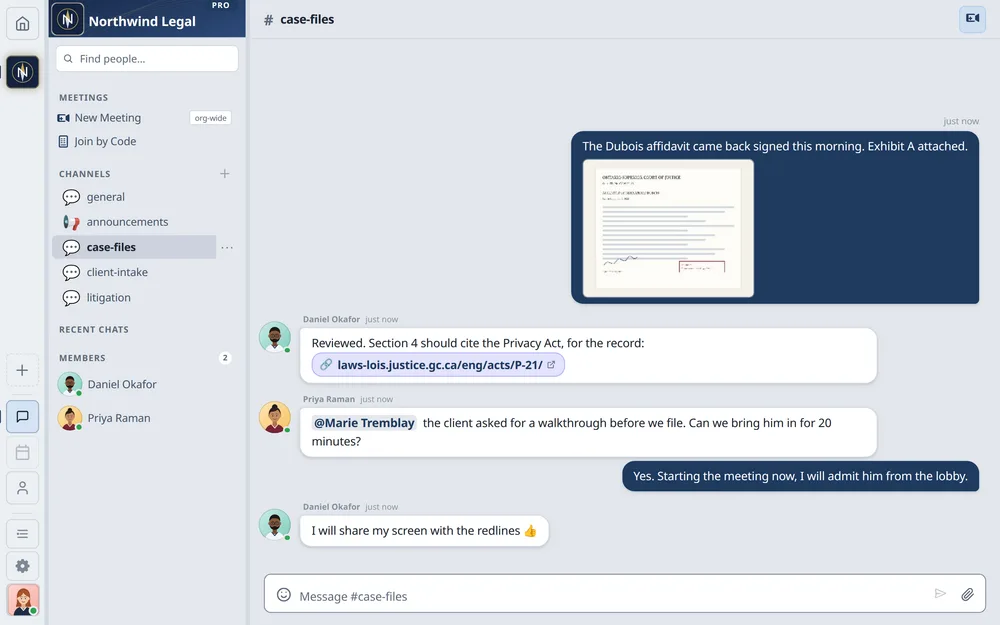
Meetings stay private.
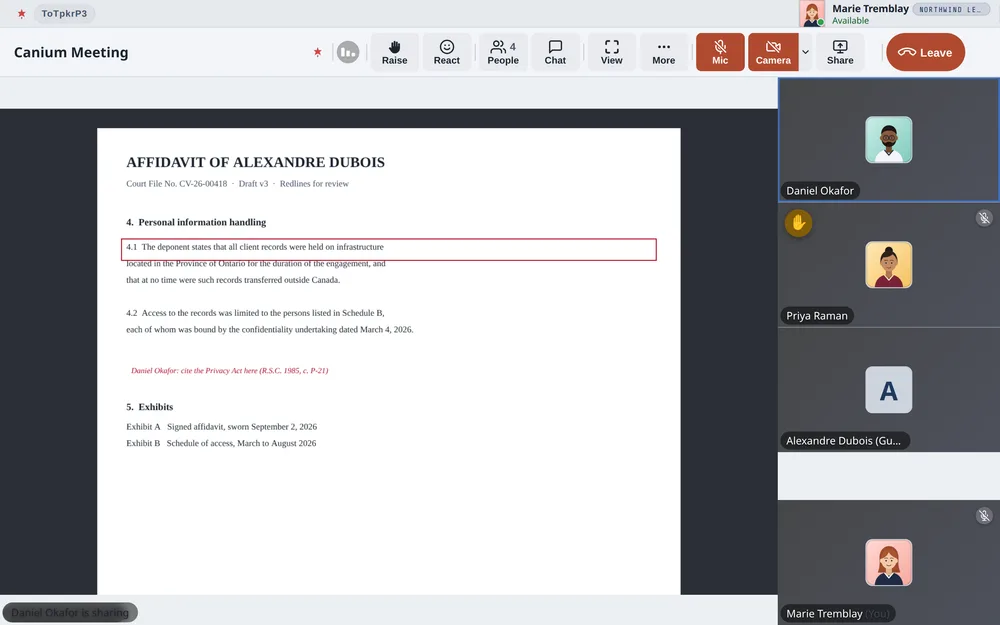
Audio, video, screen sharing and the chat beside the call are encrypted on each person’s device. The servers that carry the call pass along scrambled frames. A call starts only once its encryption is ready.
Where your organization allows guests, people from outside join from a link with just a name and no account. Meetings tied to a channel are for that channel’s members.
Just sign in.
Sign in and your keys come with you. There is nothing to invite again, nothing to rejoin and nothing to move between devices. On the desktop app, your keys are kept in your computer’s own secure keychain.
If you forget your password, a link sent to your email lets you choose a new one. A reset starts you fresh with new keys, and earlier history stays locked, because the keys that opened it were protected by the old password. Canium cannot open it for you. That is the trade for keeping the keys out of Canium’s hands.
If your organization has recovery turned on, its recovery officer can still open the conversations those copies cover.
What Canium can’t read.
Some details stay readable so the product can work: so a message reaches the right channel, a meeting lands in your calendar and an invitation arrives by email.
Canium can see
- Organization and channel names
- Member names and roles
- Meeting titles, times and invitees
- Who joined a call and when, including the names guests give
- Changes to group membership
- Email addresses, which are stored encrypted
Canium cannot read
- Messages
- Files and images
- Reactions
- Link previews
- Meeting chat
- Call audio and video
For the curious
Canium uses MLS, the open standard for group messaging, so every channel, direct message and meeting is its own protected group. Sign in uses OPAQUE, the open standard for password sign in, so your password is never sent to Canium. Both are published standards that anyone can read.
What is protected, and how to stay secure.
Where it lives and the choices you have.
Talk freely.
Start now →